Class Hours: 9:40 – 2:05
Mr. Cronin
Notes
- Tuesday!
9:40 Attendance and Article (longer article / split in 2)
9:45 Game Day Update

- All missing work must be taken care before you can relax Friday.
- For students missing work you can eat and work all day, get your missing work in, and head out to vacation without anxiety. Worst case, this is pretty good.
- For fully caught up students, the day is to socialize and ease into vacation.
- Late work tomorrow / be ready!
- Also remember that if you don’t plan on doing ANY work over your 9 day vacation, then you can use Friday to get your work DONE prior to vacation. Again, reducing anxiety, feeling accomplished is the goal here.
- Joshua / Jerry
- Where are we in $, what we can get as of today (bold what we want as first priority)
- Homemade options – have we connected with family? What is a go / no go?
- How do we heat up? My microwave doesn’t work … are people going to the cafe microwave in groups to heat things up?
10:15 Unreal

- Terminating Horizon
- Blocking Volumes
- Ambient Sound (level blueprint)
- Game Mode for screen shots & screenshots
- Tree Workflow (this may bleed after Critiques, maybe)
- Opening up forest pack (Thanks to John for his file)
- Moving to origin / setting up pivot
- Appending human for reference / adjusting as necessary
- Exporting
- Importing
- Setting up collisions
10:35 Morning Break (10 minutes)

- 10 Minutes break – you have to exit the room.
- When the door near the TV is open, you are welcome to come back in.
10:45 Critiques
Today LeBeau will be giving Constructive Criticism. Pick 1 thing that works, and 1 thing to improve upon next time. Remember we are separating the Design from the Designer. We are looking for actionable input.
Remember that Constructive Criticism can sometimes be subjective… on art which is also subjective. You don’t have to agree with the Constructive Criticism, but you have to hear it without getting defensive.
11:35 CAWD Project: Low Poly Game Environment

Our CAWD project this week will be creating a Low Poly Game Environment in Unreal using the assets we created in Blender and Photoshop.
You are going to create your world using the terrain tools, and your 10 created assets – at a minimum. Yes I know many of you will go above and beyond, and that is encouraged.
At a minimum you have:
- 3 decideious trees
- 3 confirersious trees
- 3 rocks
- 1 wild card item
Think of all the other “things” you have created that can go in your level! Totally optional, but it makes it your own.
Rough requirements – I try to give you a boundary of requirements and then let you take this project in your own way:
- No terminating horizon – we want the focus of our world to exist in the center of the terrain. We don’t want to see the “end” of the world and break the immersive illusion that we are in the game. Place mountains around the outside like we see above OR place really dense trees around the outside. Use a blocking volume in Unreal (think invisible force field) that we can use to prevent users from exploring the dense trees.
- Create at least 1 scenic view where if we just stand, things are pretty. I recommend some sort of mountain vista, maybe something down near a gorge, and something else. Construct a pretty world people want to explore. Think of so many of the immersive games you play where you just like to go and look around.
- Vary your placement of objects to make it feel as natural and non repetitive as you can.
- Export objects out of Blender correctly, scale appropriately, and setup collisions so you can walk amongst your trees. Practice Practice Practice. You are now a level designer.
Presentation Phase
First, make sure that you have OBS installed on your machine. We are going to have you each record a maximum of 3 minute walkthrough of your world. This recording will be at 1080p. We will then scale this down in Premiere to 720p. If you need to walk around longer and then speed it up through a time lapse that is acceptable (I think), so long as you stop long enough to look at interesting content and we see it in the time lapse. Maximum of 3 minutes, make it work.

Start your recording, and walk around, remembering that you will only get credit for what you show off in your walk through. I don’t want this to be you flying around Unreal in the editor, I want you recording and WALKING to explore your level.
Bring this into Premiere and scale down to fit in our 720p sequence size.
Add in ambient background sound track. This is to supplement your project, be a little dash of salt on the meal at the end, not the focus. Birds chirping, window in the leaves, a combination, some natural Zelda’ish music, etc. Add the sound in after you speed it up, if you have to speed it up at all.
Don’t spend too much time on the audio, it is there so we don’t have “silence”, but it is NOT the star of the show.
Export your final file as “(lastName)ForestWalkthrough.mp4” at 720p.
After your walkthrough I also want you to take a print screen as large as you can in Unreal of the prettiest view of your level. Imagine you were going to take it and make a poster of it and hang it in your room, or make a background out of it.
Save this file las “(lastName)ForestScreenshot.jpg”.
Optional options:
For the high resolution homies, if we want to start exporting at 1080p we can try it out – the quality will be much better, but the file size is what I am scared of. If you want to try, we can try, but it means setting up a 1080p sequence in Premiere, which really isn’t that hard… anyone want to try it? Let me know, its easy.

You can always go above and beyond- especially with a 9 day vacation upcoming. You don’t need to do any of these for the A, but if you are working over vacation, remember you can always add more and push yourself, especially if you think this is a serious career option for you.
- Foliage tool – what is that? Exactly.
- Water feature, and then use a blocking volume so we can’t go in it?
- Change the “time” in Unreal so its afternoon or sunset, for a golden hour aesthetic?
Remember Unreal 5 is FREE and so long as we build the project on the Google Drive (the cloud) you can open it at home work, work on it here, etc.
Final Deliverables to review:
- “(lastName)ForestWalkthrough.mp4” at 720p. (maximum of 3 minutes)
- “(lastName)ForestScreenshot.jpg” (as big a screenshot as you can make)
12:15 Lunch (30 Minutes)

- No food in the room / eat in the Cafe.
- You are welcome to return to the room when you have finished eating and work / hang out.
12:45 Attendance and Article (longer article / split in 2)
12:50 A Gentleman in Moscow
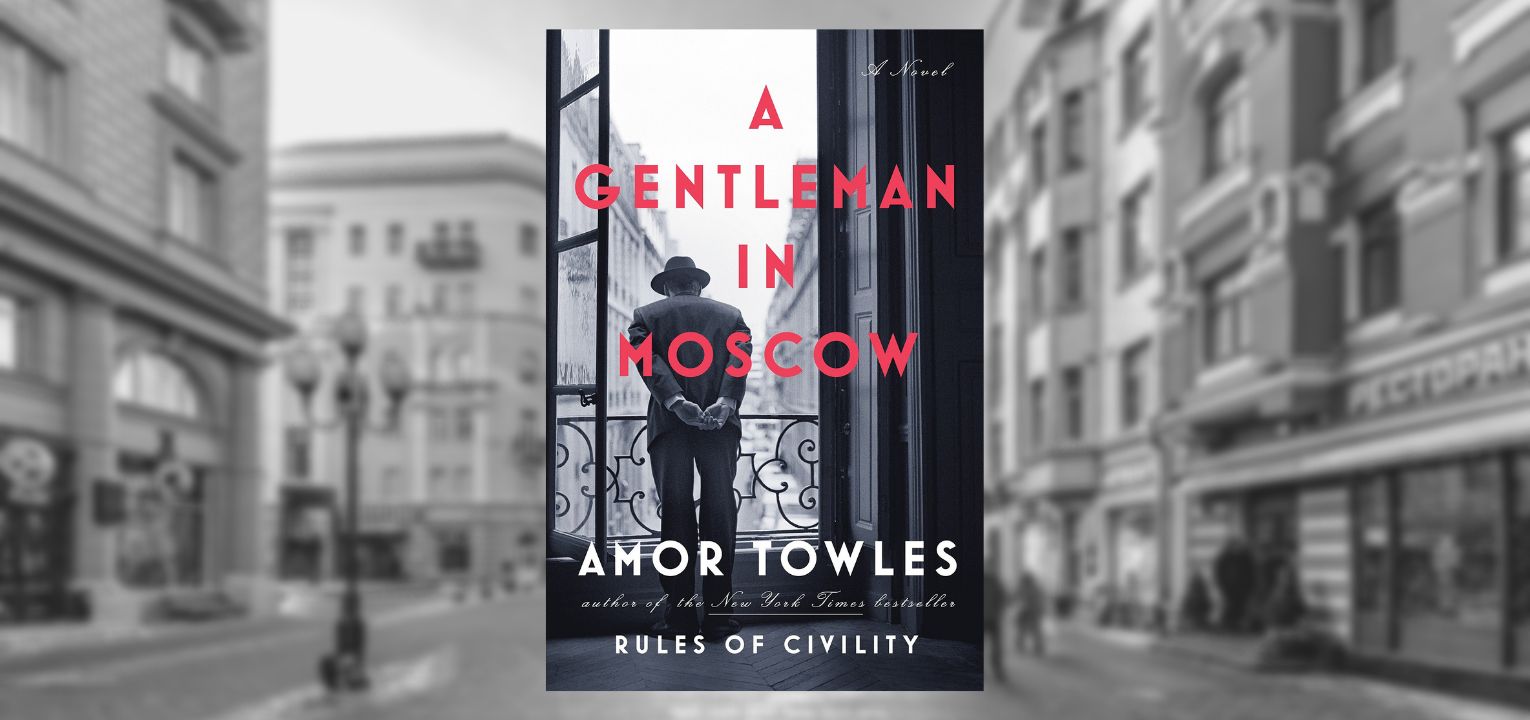
- Follow along as I read; lose yourself in a story for a bit.
- One of the strengths of this book are “beautifully rendered scenes“. You will be creating art based off of the text. Listen attentively.
1:10 Afternoon Break (10 minutes)
- 10 Minutes break – you have to exit the room.
- When the door near the TV is open, you are welcome to come back in.
1:20 Afternoon Production

- CAWD Project: Low Poly Forest Environment Walkthrough
- “(lastName)ForestWalkthrough.mp4”
- “(lastName)ForestScreenshot.jpg”
- Week 12 Agency
- “(lastName)Agency_1.jpg”
- “(lastName)Agency_2.jpg”
- “(lastName)Agency_3.jpg”
- DH12: 2 Point Exterior
- “(lastName)DH12.jpg”
1:55 Dailies

2:00 Dismissal