Class Hours: 9:40 – 2:05
Mr. Cronin
Notes
- Tuesday!
- Remember that if you are interested in NTHS you need to have a 90 for Q1 and Q2 (and be doing well in academic classes). You still have time to get that grade up, protect your grade if it is there already.
- One of the ways to get those grades up is through extra credit. There are two ways to earn extra credit in CAWD:
- Use your CAWD skills for another class. Create an animation for math, create an infographic for history, etc.
- Work with visitors in CAWD. We will have a lot – harvest the extra credit that comes from visitors. Hmmm…. how would that work……?
9:40 Attendance and Article
9:45 Working with visitors in CAWD
Overview
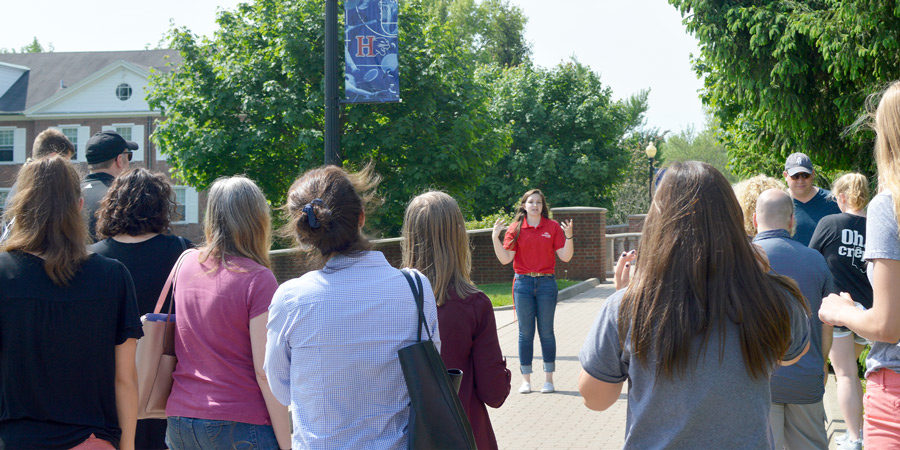
CAWD will have a lot of visitors through the year. These are students that are looking at classes for next. When students visit CAWD they will spend the first half of the visit with us, and the second half of the visit with CAWD2. We will be hosting visitors for about 25 minutes during “normal” visits.
These visitors are going outside their comfort zone, our main goal is to make them feel comfortable. We are a pretty big class, we can be intimidating. Being friendly and showing off your work is the name of the game.
Schedule when you have a visitor
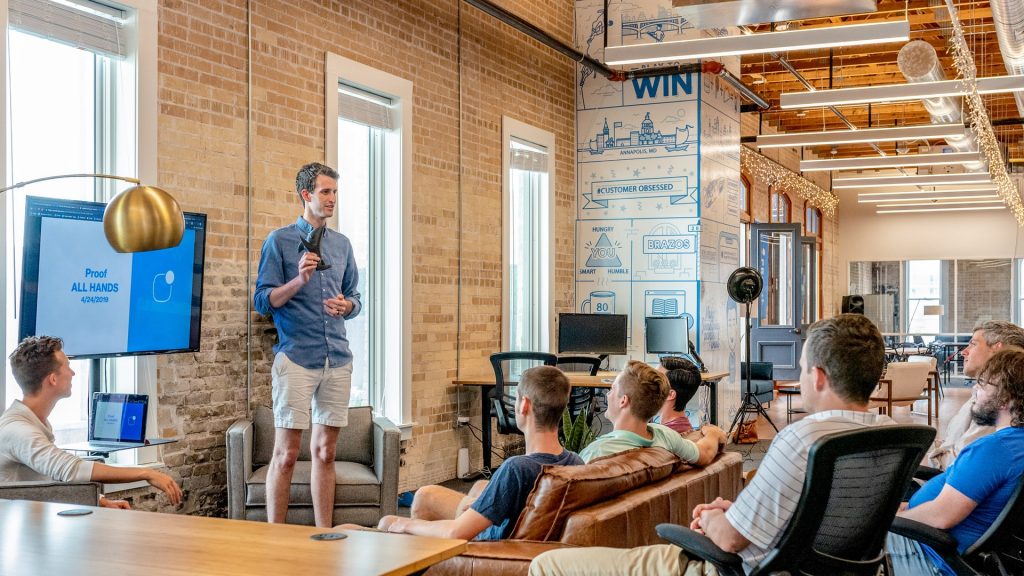
- Introduce yourself. Socialization!
- Have the students fill out the “Visitor info form“. This form is always located on the top of the “Resources” page.
- Show off your best work – time to brag! Don’t start with our first day of school projects, but show them your “best” work. This includes final jpgs/mp4’s, but also getting into the programs. Get INTO Blender, get INTO Unreal, get INTO Premiere, etc.
- Teach the students something hands on. Show them how to make a default cube, set a basic keyframe, create terrain, etc.
How will I know if I have a visitor?
Your name will show up in the notes, along with the time. You will also see an extra seat at your station.
We will have visitors in two different flights on visit days:
- 9:40 – 10:05
- 10:35 – 11:05
Will all students get a visitor?
Almost guaranteed. I am going to lean on students who “dominate” the visit process, and are looking for the extra credit. If the thought of working with new people and bragging about your work makes you throw up in your mouth a little, you should come and see me and we can talk about. I think all of us in the room could use practice presenting our work and building our brand, talking about our work, and meeting new people. Yes, I am talking about you.
When not working with a visitor that day you will get extra time for production.
We will have early/late breaks during visit days so we aren’t at break with visitors arrive.
These “normal” visits will being on Wednesday December 14th. All high schools will visit. Tell your fiends to come and visit, they can work with you, AND you get extra credit.
10:00 Working with 3 special visits (11/30, 12/7, 12/8)
In addition to our “normal” visit schedule, we are going to have 3 special visits over the next week and a half.
Wednesday 11/30 and Wednesday 12/7 (this and next Wednesday)
- 10-10:45 visits from current pre-tech students. Slightly longer visit.
- Go through the standard procedure (introduce / form / brag)
- Model something basic in Blender (have the student make it)
- Import into Unreal in your low poly game level
A difference between this and a “normal” visit is that we want the student creating something basic in Blender, and importing it into Unreal, just to see a bit of the 3D workflow. The student doing the work, you are directing them what to click and do. The art will be very basic, and this is fine!
Looks like 5 students each visit day.
One of these visits is tomorrow!
Thursday 12/8
- 9:40 – 10:40 (I think, more specifics to come). These are students in an Advanced Automated Manufacturing program at MMU that are visiting CTE.
- Go through the standard procedure (introduce / form / brag)
- Model something basic in Blender (have the student make it)
- Import into Unreal in your low poly game level
Again, the difference between this and a “normal” visit is that we want the student creating something basic in Blender, and importing it into Unreal, to see a bit of the 3D workflow. The student doing the work, you are directing them what to click and do. The art will be very basic, and this is fine!
Looks like 14 students this visit day.
10:10 Visitor Practice / Getting everyone comfortable
Lets go through the process, as if there was a visitor with us – as there will be tomorrow!
- Introduce
- Form
- Brag (lets find our 3 “best” projects to feature)
- Hands on Blender / model / export
- Hands on Unreal / import / make it gold
10:35 Morning Break (10 minutes)

- 10 Minutes break – you have to exit the room.
- When the door near the TV is open, you are welcome to come back in.
10:45 Critiques
Today Finn will be giving Constructive Criticism. Pick 1 thing that works, and 1 thing to improve upon next time. Remember we are separating the Design from the Designer. We are looking for actionable input.
Remember that Constructive Criticism can sometimes be subjective… on art which is also subjective. You don’t have to agree with the Constructive Criticism, but you have to hear it without getting defensive.
11:35 2 Week FPS Game Environment Team Project
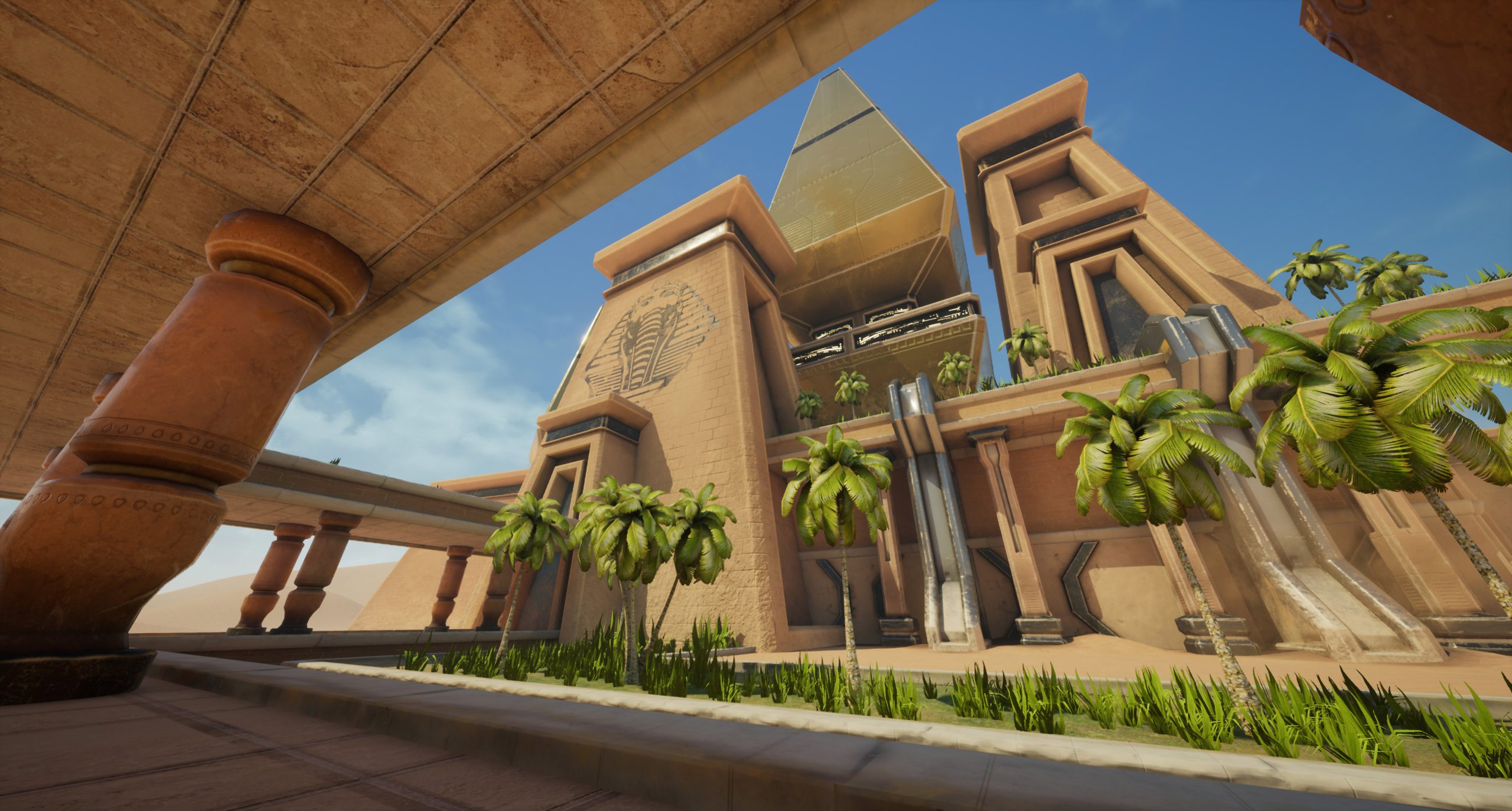
Over the next 2 weeks we are going to be working on a team based FPS Game Environment project.
Each team will have 6 members.
- Creative Director – the organizer. I deal only with Creative Directors during this project. All questions from the team go to the CD. You will have to create and manage the asset list, workflow, and drive your team. You may have to get 2 or 3 models per day per person, depending on complexity. You are not expected to do anything in Blender, Unreal, Photoshop, etc. You can in an emergency, but really you are the organizer of the group. If looking at colleges Champlain has a major in “Game Production Management” that deals with schedules, organizing teams, etc. This is your role. The CD could also be the “researcher” – how do you create a night scene in Unreal? The CD could look it up, and then teach the Level Designer. How do you create sun rays in Unreal? The CD could look it up, and then teach the Level Designer. How do you limit the sound from a piece of machinery to a location in the level, and not the entire level? The CD could look it up, and then teach the level Designer. The CD will organize all files, remember the public drive is cleaned nightly.
- Level Designer – the lead in Unreal Engine. The person that is putting together the level, using assets created by the 3D modelers. In charge of creating all the deliverables. If looking at colleges Champlain has a major in “Game Design” which deals with big picture of Level Design, the “why’s” of the level.
- 3D Modeler 1. Asset creation – worker bee. Do you what you are told. If looking at colleges Champlain has a major in “Game Art” which deals with making the assets that go into games and animations. “Model this“, “get a sound for this“, “build a palette“, “make sure you check scale of the object“, “you have until 10:30 to make this, and then we need the next model by 11:15“, etc.
- 3D Modeler 2. Asset creation – worker bee. Do you what you are told.
- 3D Modeler 3. Asset creation – worker bee. Do you what you are told.
- 3D Modeler 4. Asset creation – worker bee. Do you what you are told.
This is a team deliverable for each week. It is up to the CD to manage the Level Designer to get the work done.
The type of Game Environment is up to your team. Some options:
- Fantasy
- Wild West
- Space
- Urban
- Scifi
- Desert
- Ships
- Spaceships
- Swamp
- etc – team decision
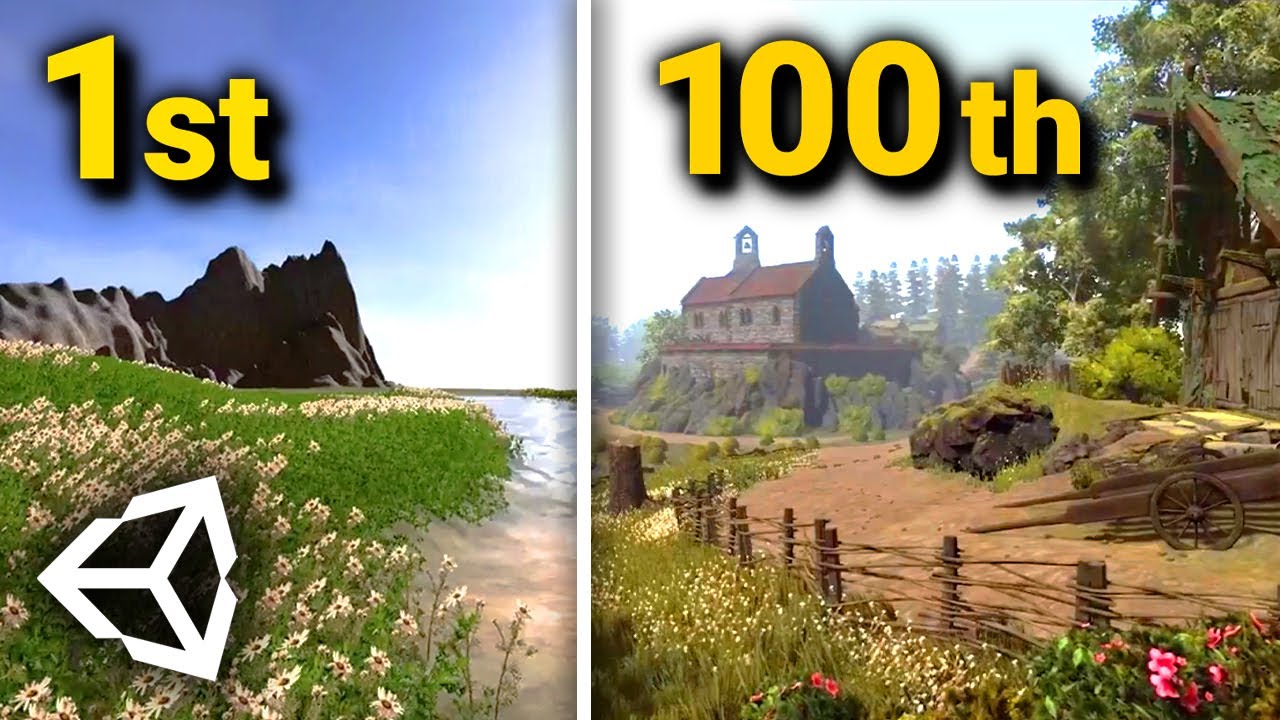
I strongly recommend making something dense and detailed that is smaller, than something the size of Nebraska that is empty.
We want to see more of the right hand side level of detail.
Teams:
Team 1
- Batres
- Zimmerman
- Boudreau
- Blow
- Porter
- St. Pierre
Team 2
- Bergeron
- Mayhew
- Hassenberg
- LeBeau
- Marshall
- Thibault
Team 3
- Lampron
- Militello
- Lague
- Rice
- Granger
- Peters
Team 4
- Lodestone
- Palagonia
- Nelson
- King
- Mathieson
- Richardson
Deliverables for Week 13 – the first draft of the Game Environment
- Draft print screen in Unreal as big as you can called “(lastNameOfCD)TeamEnvironment.jpg”
- Draft Screencast – minimum of 1 minute – of level called “(lastNameOfCD)TeamEnvironment.mp4”
Work to do today before lunch:
- Determine and submit roles of team members – once you pick you have to stick to it
- Determine and submit theme – once you pick you have to stick to it
- CD organizes team and creates concept art, gives everyone Tuesday tasks
Think of this project as an audition for the SkillsUSA Design Competitions we get into in January. Everyone will need a partner. Not only do you want to work hard to build your brand (so people want to work with you), start evaluating other workers in class while working on this team. Who is always in Discord and not producing? Who doesn’t put detail in their work? Who is stepping up and helping others? Who would YOU want to work with?
12:15 Lunch (30 Minutes)

- No food in the room / eat in the Cafe.
- You are welcome to return to the room when you have finished eating and work / hang out.
12:45 Attendance and Article
12:50 A Gentleman in Moscow
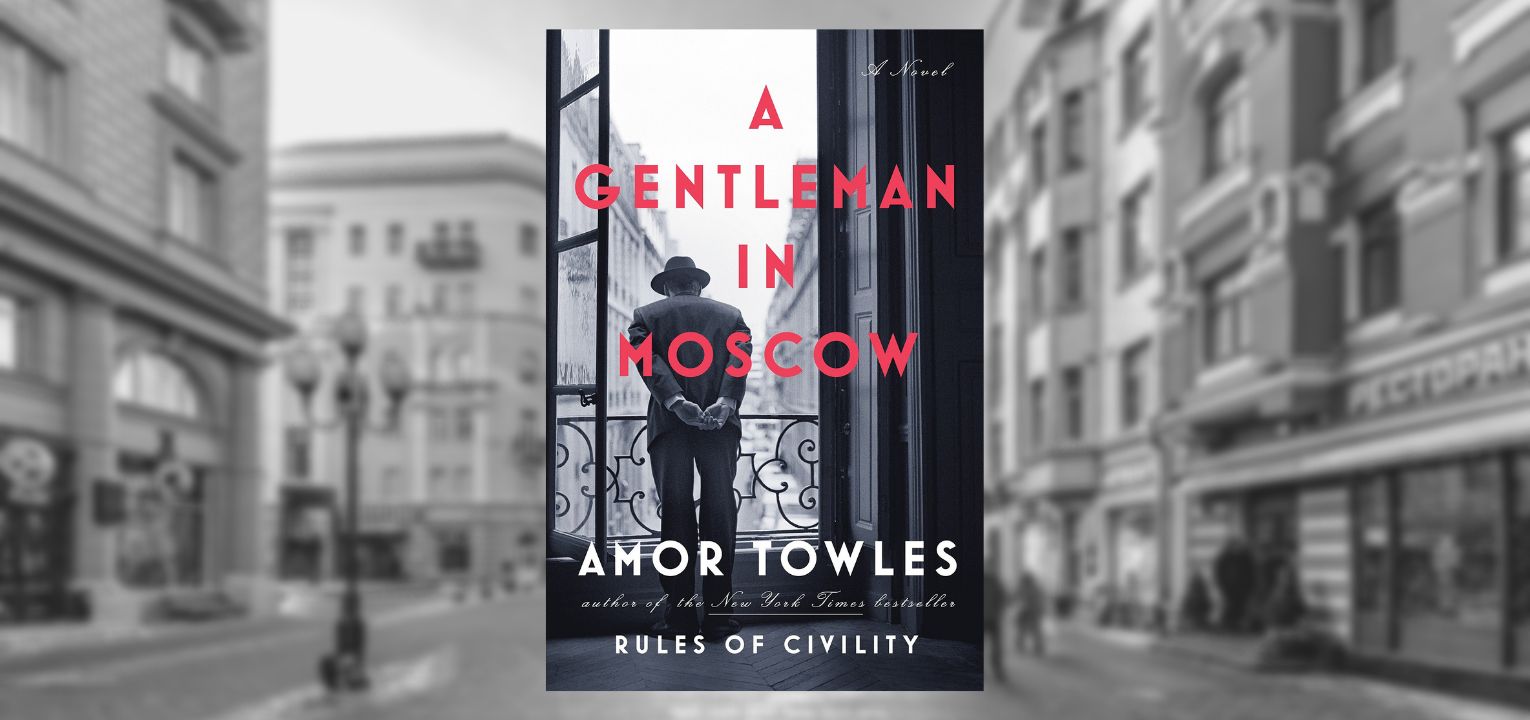
- Follow along as I read; lose yourself in a story for a bit.
- One of the strengths of this book are “beautifully rendered scenes“. You will be creating art based off of the text. Listen attentively.
1:10 Afternoon Break (10 minutes)
- 10 Minutes break – you have to exit the room.
- When the door near the TV is open, you are welcome to come back in.
1:20 Afternoon Production

- 1st Draft of Team Game Environment
- “(lastNameOfCD)TeamEnvironment.jpg”
- “(lastNameOfCD)TeamEnvironment.mp4”
- DH13: 2 Point Interior
- “(lastName)DH13.jpg”
- Week 13 Agency
- “(lastName)Agency_1.jpg”
- “(lastName)Agency_2.jpg”
- “(lastName)Agency_3.jpg”
Team work product goes in the CD’s folder for presentations.
1:55 Dailies

2:00 Dismissal