Class Hours: 9:40 – 2:05
Mr. Cronin
Notes
- Good morning! Hope I am reading this to you in the room. If not….
- Champlain College is coming this morning to do a recruiting presentation to you.
- Due to my absence yesterday we will have some variations for the week regarding our classwork. I am NOT going to jam us up and rush through projects, I want us to be calm, and do a great job.
- All week 13 work will be due today. We will run a class Critique for the 1st Draft of Game Environments only, and I will give feedback. The rest of the work I will grade on my own for the sake of time.
- We will have neither an agency nor a design homework/sketching lesson this week. We wil have one project focus for Week 14 and it is the Team Game Environment.
- Tomorrow we will have 5 visitors from Pre-tech, names will show up in the Dayplan tomorrow. It could be more than that due to some sickness last week. These visitors will be from 10-10:45.
- Thursday we will have 14 visitors from the MMU Advanced Manufactoring Program for 1 hour. In addition to working with the students, we will have two VR Development stations setup with CAWD2 students showing off some of their work.
- Whenever not working with a visitor, you are to be working on your Team Game Environment.

9:40 Attendance and Article
9:45 Champlain College Presentation

- Be a good audience
- Ask good questions
10:10 AM Production

- 1st Draft of Team Game Environment
- “(lastNameOfCD)TeamEnvironment.jpg”
- “(lastNameOfCD)TeamEnvironment.mp4”
- DH13: 2 Point Interior
- “(lastName)DH13.jpg”
- Week 13 Agency
- “(lastName)Agency_1.jpg”
- “(lastName)Agency_2.jpg”
- “(lastName)Agency_3.jpg”
Team work product goes in the CD’s folder for presentations.
10:35 Morning Break (10 minutes)
- 10 Minutes break – you have to exit the room.
- When the door near the TV is open, you are welcome to come back in.
10:45 Pin Design 4 Pack Pre Production
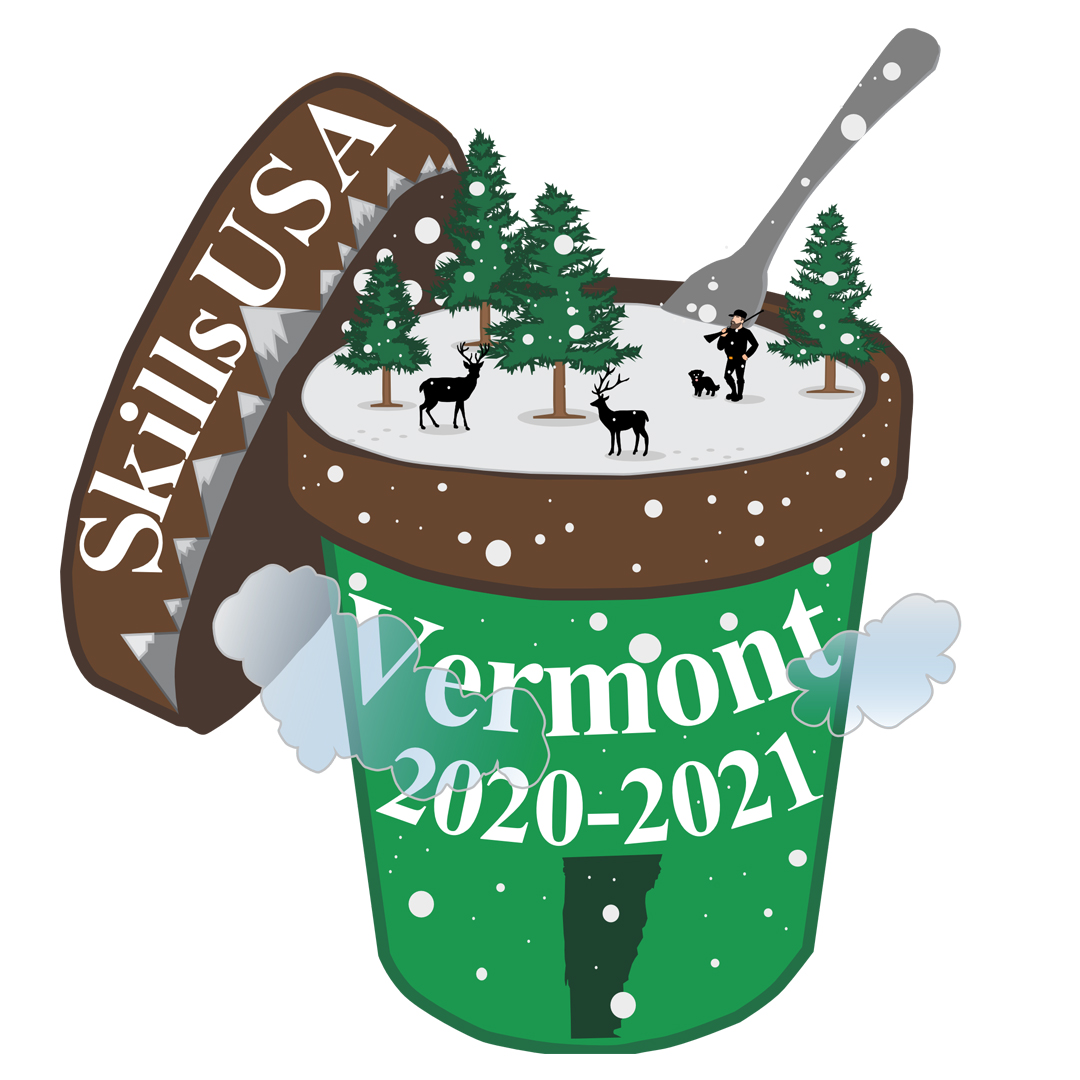
This morning we are going to create our first sheet of Pin Design Pre-Production. We are going to create 4 different versions of what your Pin could be on a single sheet of paper. For each design you are going to take inspiration from the Brainstorming we did last week.
Some ideas you could pick from to inform your designs, if you have other ideas feel Vermont they are fine to use as well.
Vermont Industry
- Farm
- Ben and Jerry’s
- Maple Sugaring
- Skiing and snowboarding
- Solar / Wind / EV’s
- Dairy
- Cider
- Creative
- Organic
- Burton
- Granite
Vermont Culture
- Farming
- Christmas Tree farms
- Round Barn
- Morgan Horse
- Mittens / winter hats
- Boots
- Hiking
- Apple picking
- Fishing
- Sailing
- Music and Art
- Ice Skating
- Canoe and Kayak
- Creamies
- Cheese
- Red barns / Barns
- Cows
- Chickens
- Dirt Roads
- Mud Season
- Tractor
- Church Steeple / Postcard / classic Vermont scene
- Norman Rockwell
- Covered Bridges
- Hunting
- Camping
- Fences / Picket / Farm / Post and beam
- Vermont State House
Vermont Environment
- Green Mountain
- Trees
- Fall / Foliage
- Snow
- Icy Roads
- Catamount
- Champ
- Lakes
- Rivers
- Ponds
- Icicles
- Ski lift / mountain
- Snow Mobile
- ATV’s
- Ferries
- Bike path
Vermont People
- Ben and Jerry
- Accepting
- Progressive
- Bernie
Requirements for all 4 designs (on a single sheet of paper)
- Vermont themed imagery
- The word “SkillsUSA” written just as it appears – no space, lowercase “kills”
- The word “Vermont“
- The date, in one of three ways. Please note that the date is for NEXT year as the production run takes time. It must be:
- 2023-2024
When designing please remember size. The physical and digital pin will be only an inch and a quarter square. You have to create a design that will be legible at a very small size.
I need this sheet of paper with 4 complete pre-production designs, signed and dated, handed to me before you leave for the day.
That could be 12:10, that could be 2:00, but I need it today.
11:30 Critiques on Game Environments
Game Environments only.
I will give feedback – but anyone that wants to give some solid feedback is welcome to comment.
11:50 Team Game Environment
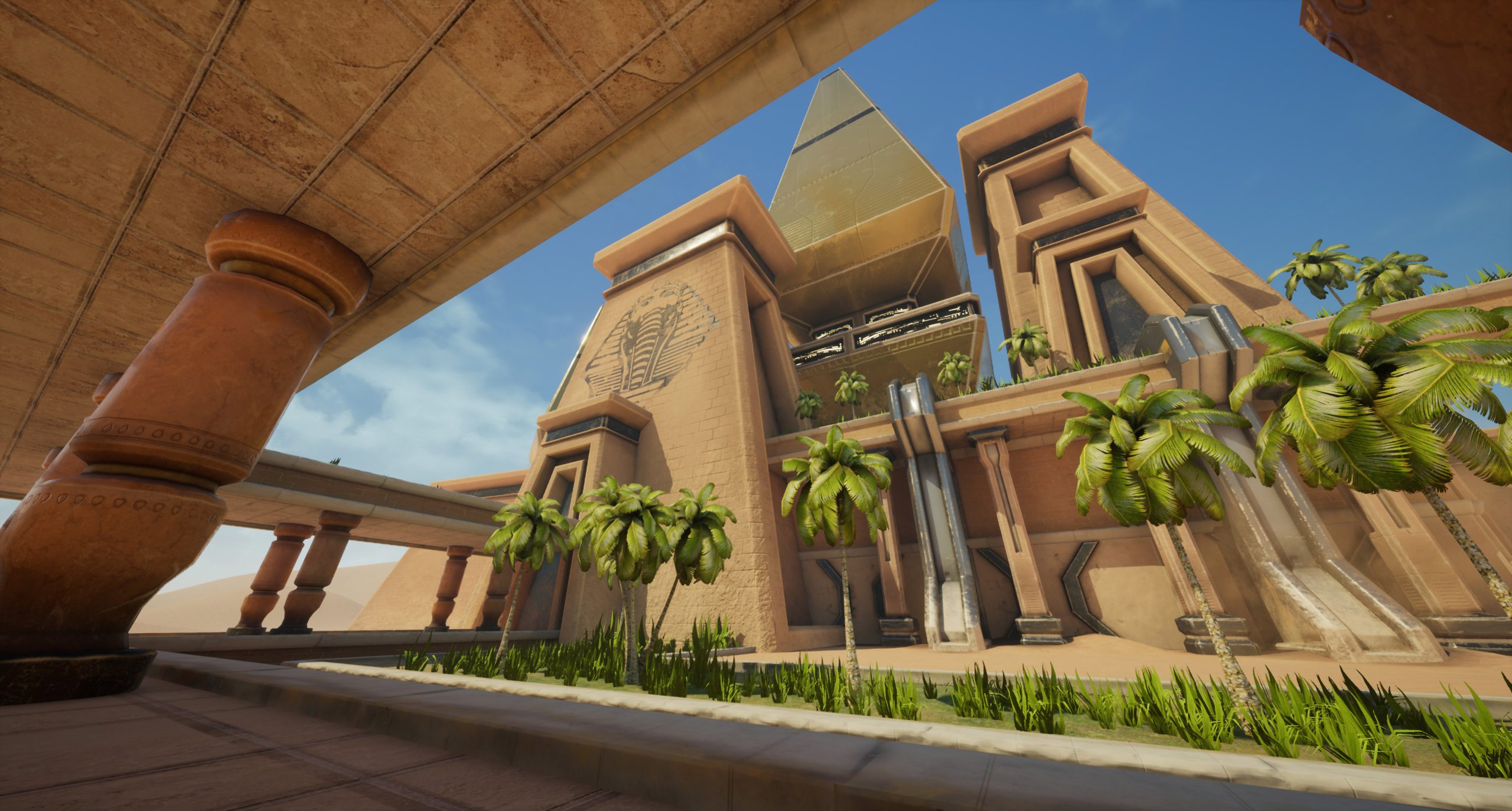
We are onto the final draft of the Team Game Environment. Deliverables are similar, but slightly different.
Final Draft of Team Game Environment Deliverables
3 Screen shots of level in Unreal. Make view as BIG as possible, and hit “G” to turn on “game mode”, which then hides some of the the level manipulators.
3 views of 3 different angles / scenes.
- “(lastNameOfCD)FinalTeamEnvironment_1.jpg”
- “(lastNameOfCD)FinalTeamEnvironment_2.jpg”
- “(lastNameOfCD)FinalTeamEnvironment_3.jpg”
Final screencast of level. Minimum of 1 minute long, maximum of 3 minutes long. Sound required.
- “(lastNameOfCD)FinalTeamEnvironment.mp4”
Sound could be in game / done in Premiere in post-production.
Start with quick team meeting in original locations led by CD’s.
12:05 Visitor Prep

- Go through the standard procedure (introduce / form / brag – what 3 will you brag about?)
- Model something basic in Blender (have the student make it – gold bar is go to)
- Import into Unreal in your low poly game level (that gold bar, or … anything)
12:15 Lunch (30 Minutes)

- No food in the room / eat in the Cafe.
- You are welcome to return to the room when you have finished eating and work / hang out.
12:45 Attendance and Article
12:50 A Gentleman in Moscow
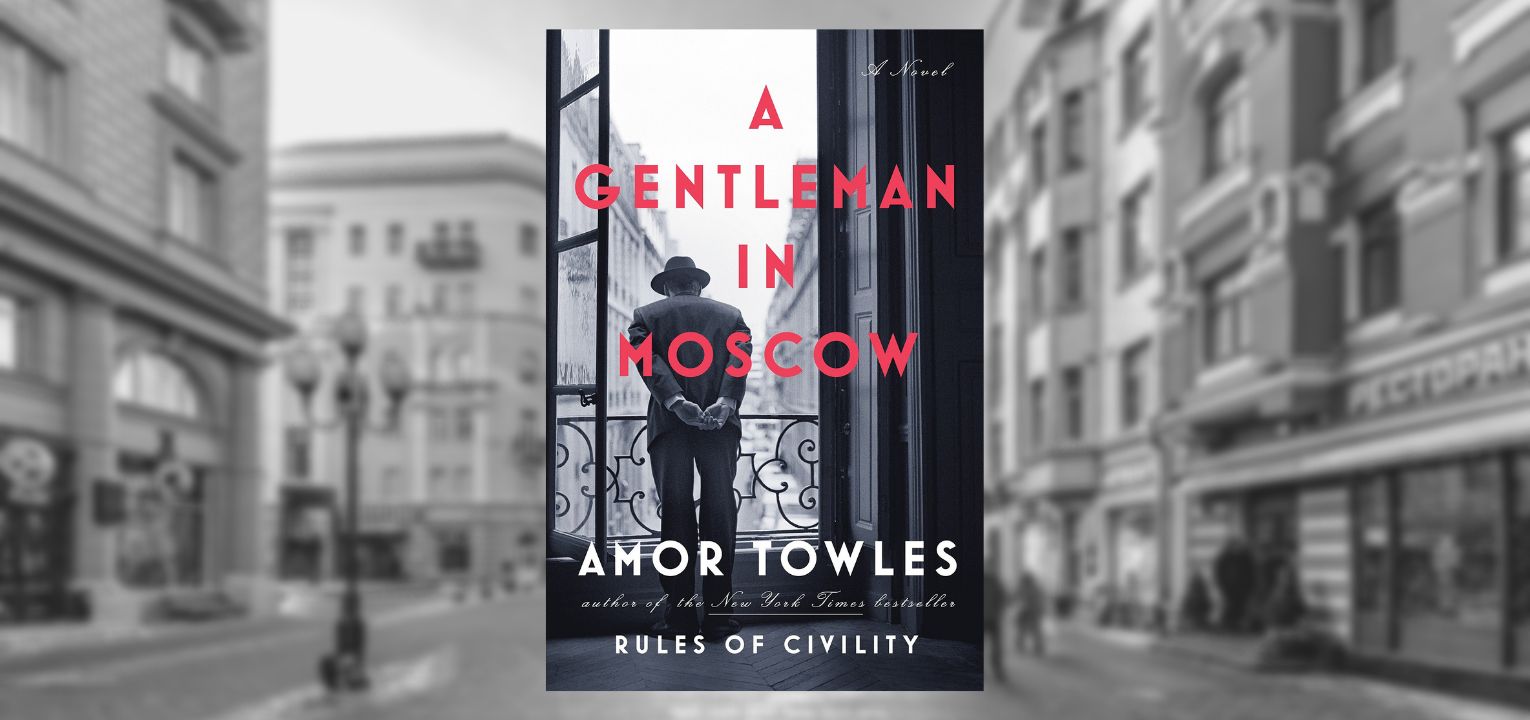
- Follow along as I read; lose yourself in a story for a bit.
- One of the strengths of this book are “beautifully rendered scenes“. You will be creating art based off of the text. Listen attentively.
1:10 Afternoon Break (10 minutes)
- 10 Minutes break – you have to exit the room.
- When the door near the TV is open, you are welcome to come back in.
1:20 Team Game Environment
Team Game Environment is the single CAWD project this week. I wanted to give you all enough time to make it amazing.
- “(lastNameOfCD)FinalTeamEnvironment_1.jpg”
- “(lastNameOfCD)FinalTeamEnvironment_2.jpg”
- “(lastNameOfCD)FinalTeamEnvironment_3.jpg”
- “(lastNameOfCD)FinalTeamEnvironment.mp4”
1:55 Dailies
2:00 Dismissal