Class Hours: 9:40 – 2:05
Mr. Cronin
I am staying home today to take care of kids while wife deals with Covid. Big deadline on Monday morning with our first drafts of our Reef Animation. No excuses to not get it done – use today wisely. Let’s see if we can do better with work ethic while we have a sub compared to last time with the video games and socialization. You are are representing CAWD.
Notes
- Friday! Remember that we need to have your first cut complete with sound design by Monday morning when we turn our work in.
- Have a great weekend – get outside!
- No articles / you don’t need to leave for break / no dailies.
9:40 Attendance
9:45 CAWD Project: Reef Animation First Cut
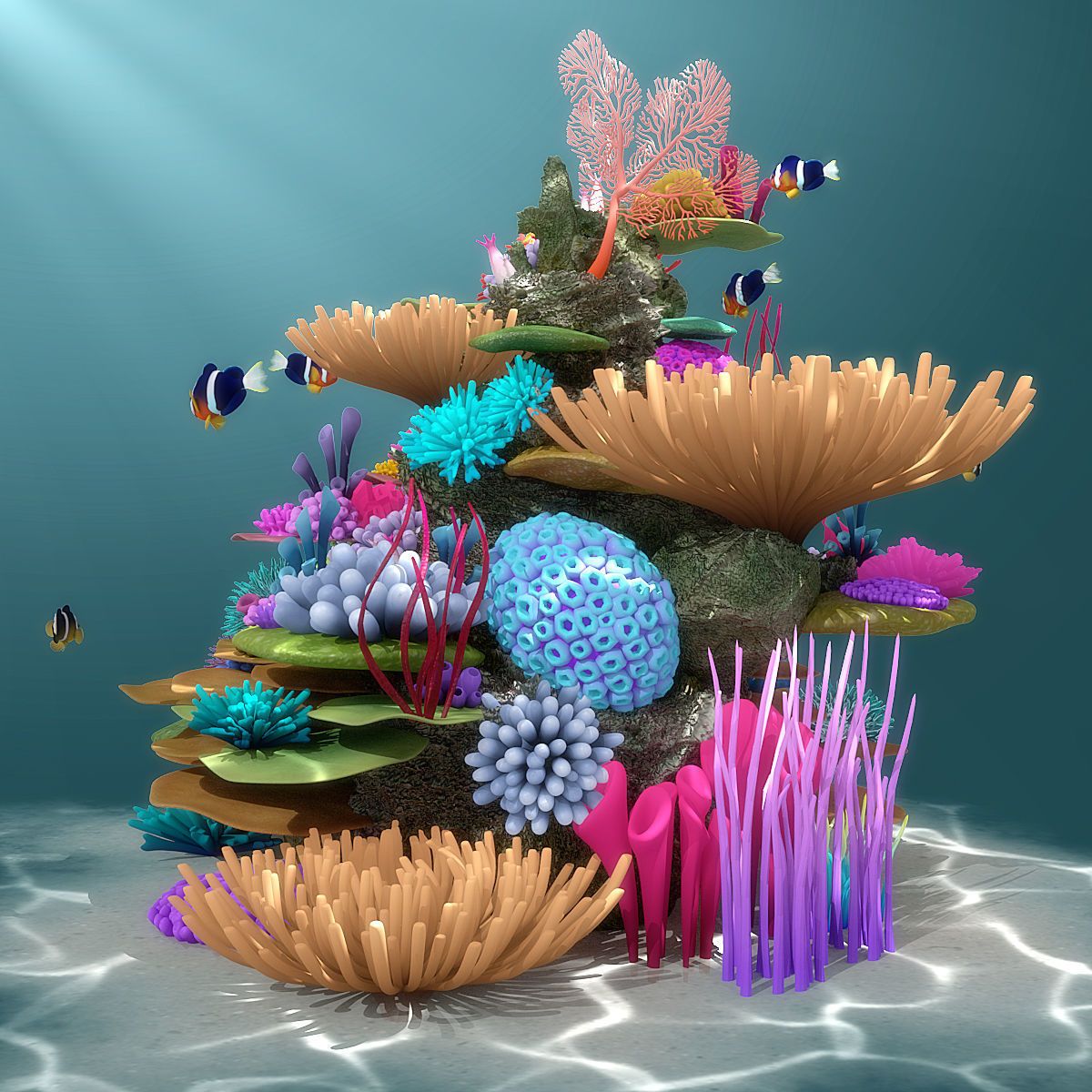
Check back to the Monday Dayplan for specifics.
Remember for full credit you have to have:
- The ENTIRE story rendered / edited. We will present your Story Arc before we watch and assess your First Cut.
- Sound Design included / don’t forget.
We want to give constructive criticism and feedback, but we have to see it. We can’t give feedback on what we don’t see.


10:35 Morning Break (10 minutes)

- 10 Minute break
10:45 English

11:35 CAWD Project: Reef Animation First Cut
12:15 Lunch (30 Minutes)

- No food in the room / eat in the Cafe.
- You are welcome to return to the room when you have finished eating and work / hang out.
12:45 Attendance
12:45 Afternoon Production

1:10 Afternoon Break (10 minutes)
- 10 Minute break
1:20 Afternoon Production
- Design Homework 20 | Baseline Still Life
- “(lastName)DH20.jpg”
- Reef Animation First Cut
- “lastNameReef1stDraft.mp4”
1:55 Dailies

2:00 Dismissal