Class Hours: 9:40 – 2:05
Mr. Cronin
Notes
- Thursday – I shall return tomorrow!
- Everyone download Visual Studio Code at school (and at home). Click on the link and it should give you a download link for Windows. This is our code editor which we will use for our Web Design semester.
- Today we will have visitors from CHS:
- First session (9:40 – 10:05)
- None
- Second session (10:35 – 11:05)
- Brennan
- Remember the process:
- Form
- Brag x 3
- Hands on / show them how it all works
- Above all – be welcoming
- First session (9:40 – 10:05)
- Adjusted AM break to accommodate our visitors.
- Late English start time to accommodate our visitors.
9:40 Attendance
9:45 Coral Reef Final Draft
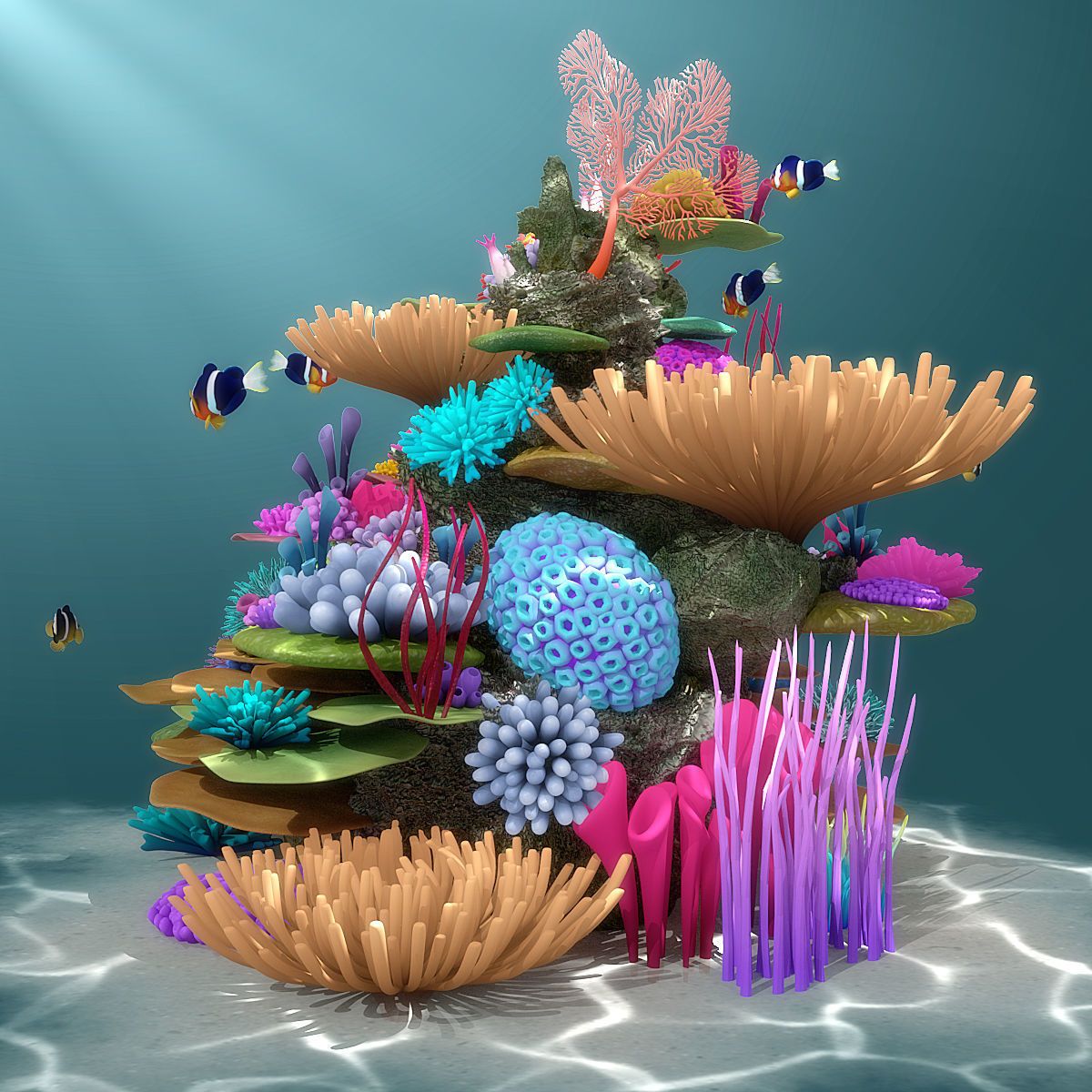
Taking into consideration the feedback from your fellow animators, continue to revise and edit your animation.
Check back to the Monday Dayplan for specifics.
10:10 Morning Break (10 minutes)

- 10 Minute break
10:25 Coral Reef Final Draft
11:10 English

12:15 Lunch (30 Minutes)

- No food in the room / eat in the Cafe.
- You are welcome to return to the room when you have finished eating and work / hang out.
12:45 Attendance
12:50 PM Production

Get to work on either of the two projects for the week. There is no Agency project this week.
- DH 21: Bowl
- “(lastName)DH21.jpg”
- Reef Animation Final Cut
- “lastNameReefFinalDraft.mp4”
1:10 Afternoon Break (10 minutes)
- 10 Minute break – you have to exit the room.
- When the door near the TV is open, you are welcome to come back in.
1:20 Afternoon Production

Get to work on either of the two projects for the week. There is no Agency project this week.
- DH 21: Bowl
- “(lastName)DH21.jpg”
- Reef Animation Final Cut
- “lastNameReefFinalDraft.mp4”
2:00 Dismissal