Class Hours: 9:40 – 2:05
Mr. Cronin
Notes
- Happy February!
- Today is a “White” Day at CTE. No academics. Callbacks:
- None as of 6pm Tuesday night.
- MHS early release today at 1:25.
- Today Brennan and Sparky have their presentations for Pin Design – good luck you two! You are both giving practice presentations today at 9:45 in CAWD2! Do you have your resumes ready? Ask Mr. Bohmann to print or email Mrs. Knight (sknight@ewsd.org).
- Today we will have visitors from CVU:
- First session Only – (9:40 – 10:05) So Normal Break today
- Lampron
- Jered
- Remember the process:
- Form
- Brag x 3
- Hands on / show them how it all works
- Above all – be welcoming.
- Mathieson – you have a visitor from 1:30 – 2:00 – Jace. Remember the process.
- Adjusted AM break to accommodate our visitors.
Pin Design Presentation times for Brennan and Sparky
- 10:40 Brennan
- 11:10 Sparky
9:40 Attendance
9:45 Coral Reef Feedback review
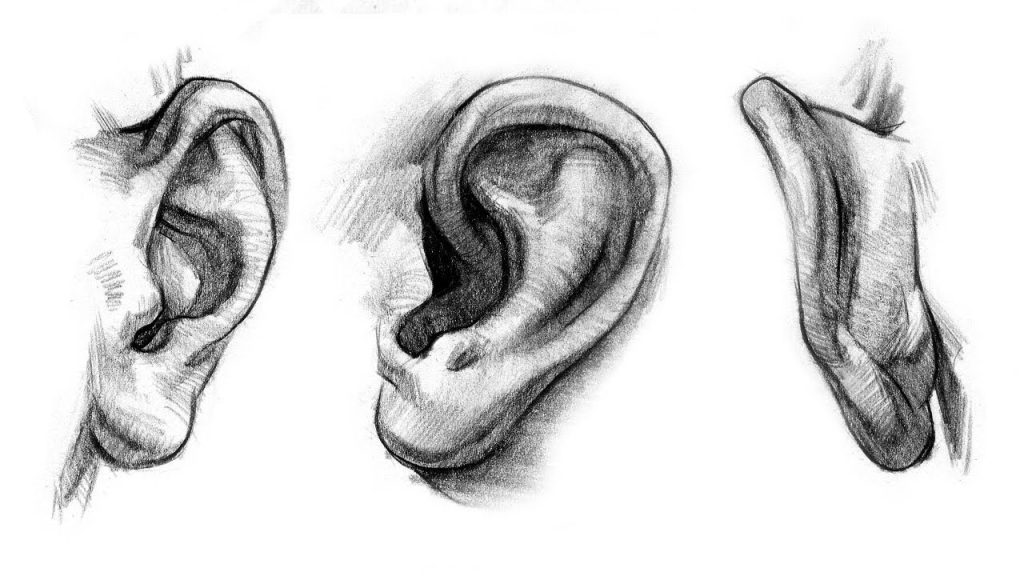
In the first session of the AM I want you to read through the feedback given by your fellow animators. Really listen with open ears to what others have to say about your work. Don’t get defensive and let your ego put up a wall of “they are wrong”. Really listen to the feedback with an open mind.
10:35 Morning Break (10 minutes)

- 10 Minute break
10:45 Coral Reef Final Draft
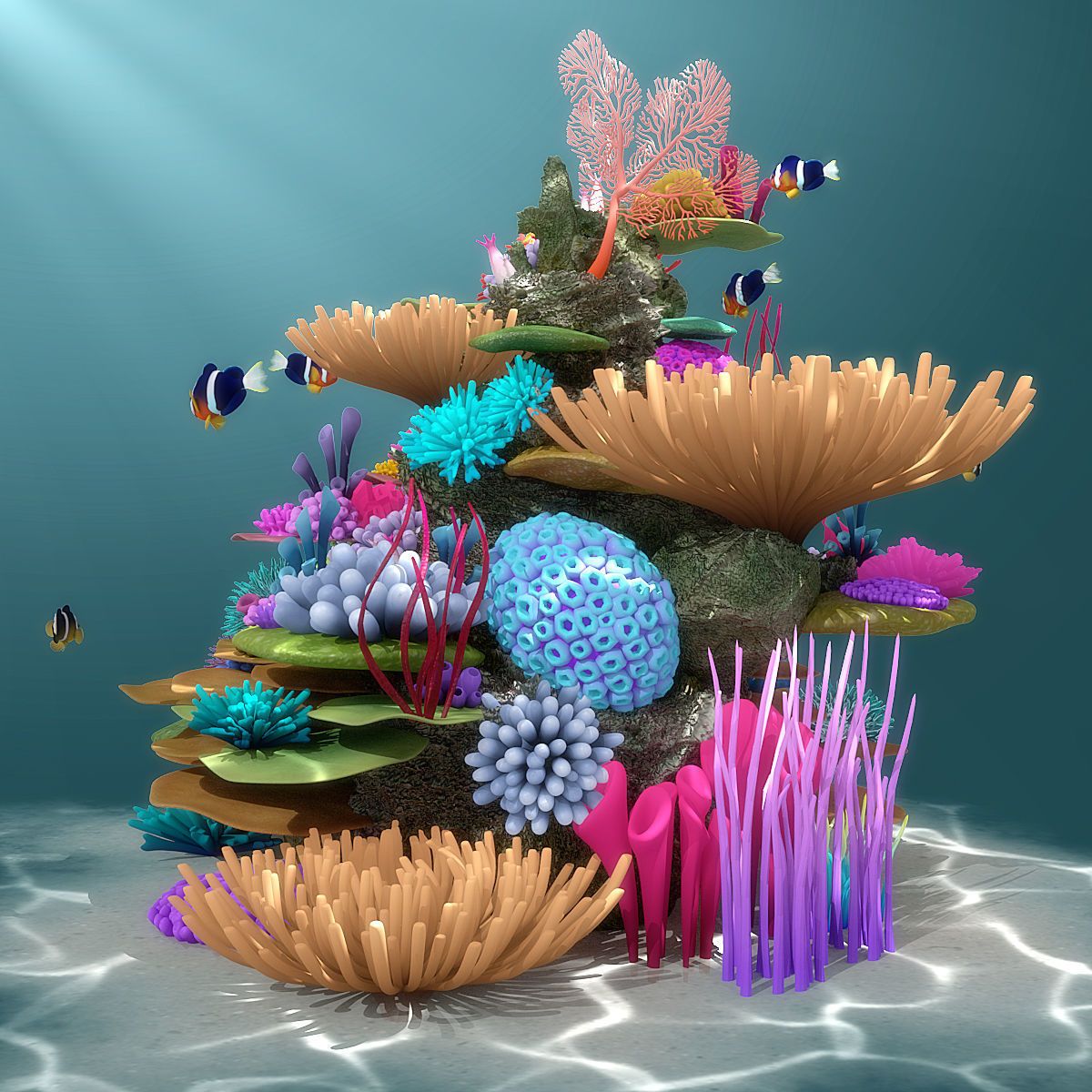
Taking into consideration the feedback from your fellow animators, continue to revise and edit your animation.
Check back to the Monday Dayplan for specifics.
12:15 Lunch (30 Minutes)

- No food in the room / eat in the Cafe.
- You are welcome to return to the room when you have finished eating and work / hang out.
12:45 Attendance
12:50 PM Production

Get to work on either of the two projects for the week. There is no Agency project this week.
- DH 21: Bowl
- “(lastName)DH21.jpg”
- Reef Animation Final Cut
- “lastNameReefFinalDraft.mp4”
1:10 Afternoon Break (10 minutes)
- 10 Minute break
1:20 Afternoon Production

Get to work on either of the two projects for the week. There is no Agency project this week.
- DH 21: Bowl
- “(lastName)DH21.jpg”
- Reef Animation Final Cut
- “lastNameReefFinalDraft.mp4”
2:00 Dismissal