Class Hours: 9:40 – 2:05
Mr. Cronin
Happy Halloween!
Notes
- Going to get a Costume Photo first thing.
- Costume contest at 11! Sorry but you will have to miss some of the critiques, but you have a chance to earn your second quarter seat of choice. We will go to Mrs. Wilson’s room at 11 to register, and then judging will take place in the conference room. Josh is going to be the organizer and will walk us down. After you come back to CAWD.
- Seats changing Tuesday or Wednesday based on when the results are emailed out for the costume contest.
- We are going to start our 2nd Quarter class read aloud book (I read, you follow along) from 12:45-1:10 as soon as we get new seats….. “A Gentleman in Moscow“.
9:40 Attendance and Article
9:45 Class Halloween Photo!
9:55 AM Production

- Low Poly Forest Pack
- “(lastName)ForestPackPalette.jpg”
- “(lastName)ForestPack_1.jpg”
- “(lastName)ForestPack_2.jpg”
- “(lastName)ForestPack_3.jpg”
- Week 9 Agency
- “(lastName)Agency_1.jpg”
- “(lastName)Agency_2.jpg”
- “(lastName)Agency_3.jpg”
- Design Homework 9: Low Poly Forest Pack
- “(lastName)DH9.jpg”
10:10 Blender
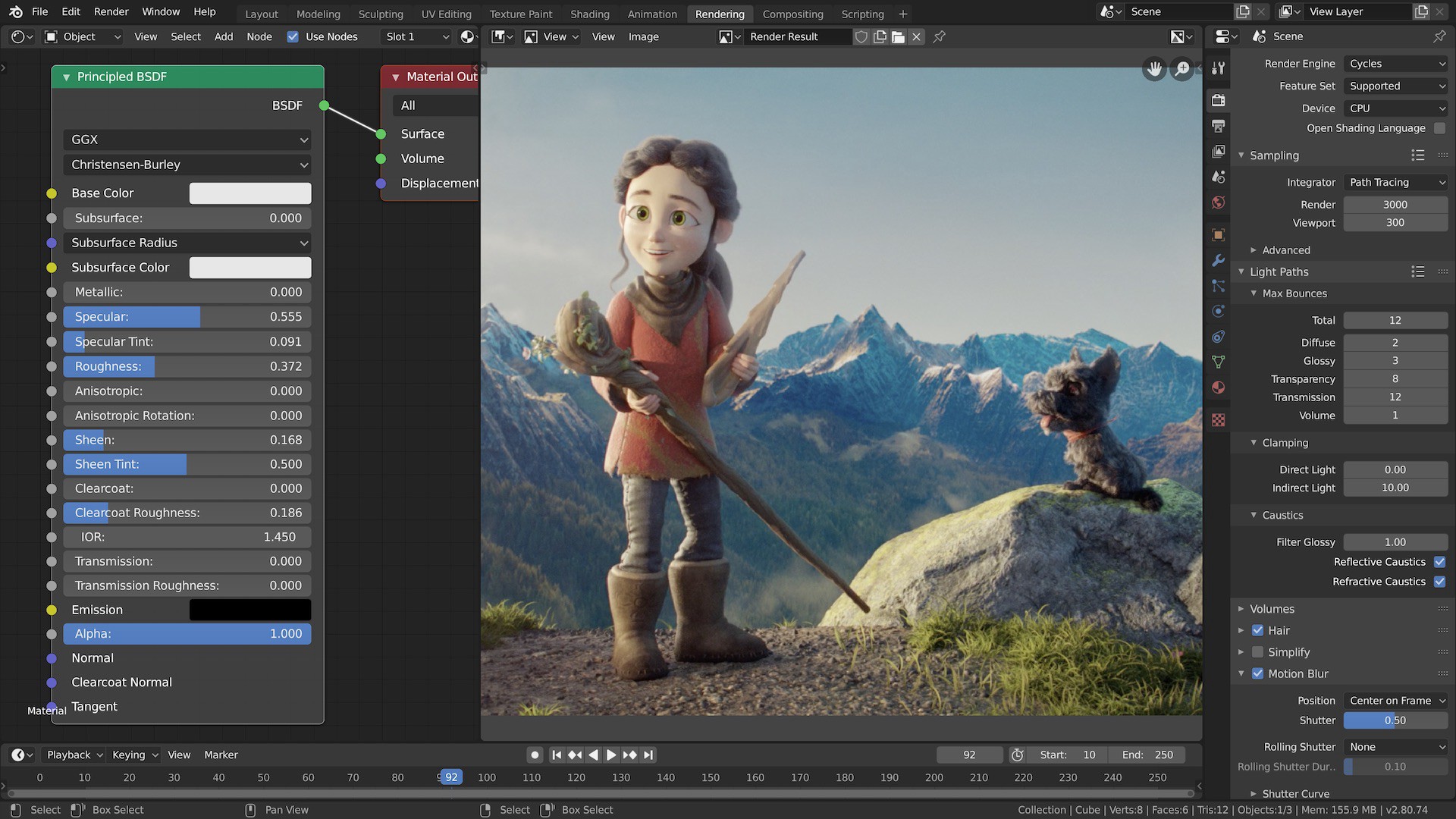
- Creating a basic BASIC mechanical claw.
- Setting up parenting
- Animating
10:35 Morning Break (10 minutes)

- 10 Minutes break – you have to exit the room.
- When the door near the TV is open, you are welcome to come back in.
10:45 Critiques
Today Benjamin will be giving Constructive Criticism. Pick 1 thing that works, and 1 thing to improve upon next time. Remember we are separating the Design from the Designer. We are looking for actionable input.
Remember that Constructive Criticism can sometimes be subjective… on art which is also subjective. You don’t have to agree with the Constructive Criticism, but you have to hear it without getting defensive.
Tomorrow Mimi will be giving Constructive Criticism.
11:00 COSTUME CONTEST!!

- You are mentioned as winning 1st, 2nd, or 3rd, you get to choose your seat for Q2!
- Results emailed later today. Once I get the results I talk to that student, figure our their seats, and THEN fill the rest. Hence, we may end up moving seats on Tuesday OR Wednesday.
11:35 Quarter 2 Sketching focus / perspective / 1,2 and 3 point perspective

Over the next 3 quarters our sketching content will be driven by 3 types of art: Perspective, Still Life, and Portraits.
These three areas of study are not random, but purposely selected to meet student needs of what is next in their career preparation.
The #1 Art program that CAWD students apply for (at least in the past 5 years) has been the Game Art at Champlain College.
If we look at the Game Art portfolio requirements, you will see there are three main areas of work they are looking for as a requirement: Perspective, Still Life, and Portraits. Do you see a connection?
The great thing about this focus is it isn’t just a pipeline to Champlain (while it is). These types of art are classics which many different schools are looking for in high school applicants, as well as what employers are looking for in portfolios.
Quarter 2 will be focused on 1, 2, and 3 point Perspective. Quarter 2 will have direct instruction. Do this. Do this. Do this.
Quarter 3 will start having you learn independently. I will give you resources to watch on YouTube. This mimics the real world where whatever you want to learn, you have to actively learn from other sources. There are so many free sources of info out there, saying “you can’t figure it out” is a cop-out.
Quarter 4. I give you nothing beyond the topic and the due date. It will be up to you to self -select any learning resource or tutorial that you need to complete your work. This is the real world.
By the end of our year, you will have a sketchbook with projects which match up to what colleges and employers are looking for, while practicing learning independently – which is the real world, whether you want to learn about drawing an eye, or changing the brakes of your car, or building a computer.
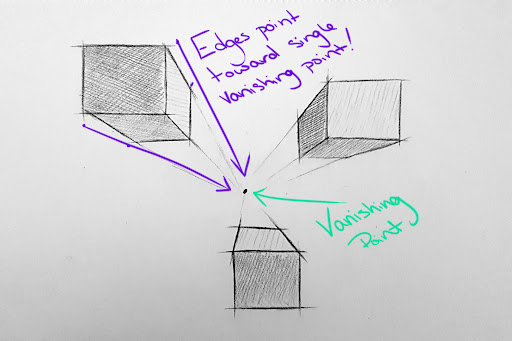
Today we will start with 1 point perspective:
Sign and date, and hand to me.
DH10: 15 Floating boxes
Design Homework 10 will be to practice the basics of 1 point perspective until it becomes second nature.
Create 15 floating boxes, approximately half above, and half below the vanishing point and horizon line.
Assume the vanishing point is our light source. Shade appropriately:
- Top/Bottom/Sides = full sun, more sun
- Face facing us = shaded, less sun
Save as “(lastName)DH10.jpg”
12:15 Lunch (30 Minutes)

- No food in the room / eat in the Cafe.
- You are welcome to return to the room when you have finished eating and work / hang out.
12:45 Attendance and Article
12:50 Blender

1:10 Afternoon Break (10 minutes)
- 10 Minutes break – you have to exit the room.
- When the door near the TV is open, you are welcome to come back in.
1:20 Afternoon Production
- Week 10 Agency
- “(lastName)Agency_1.jpg”
- “(lastName)Agency_2.jpg”
- “(lastName)Agency_3.jpg”
- Design Homework 10: 15 Floating Boxes in 1 Point perspective
- “(lastName)DH10.jpg”
1:55 Dailies
2:00 Dismissal
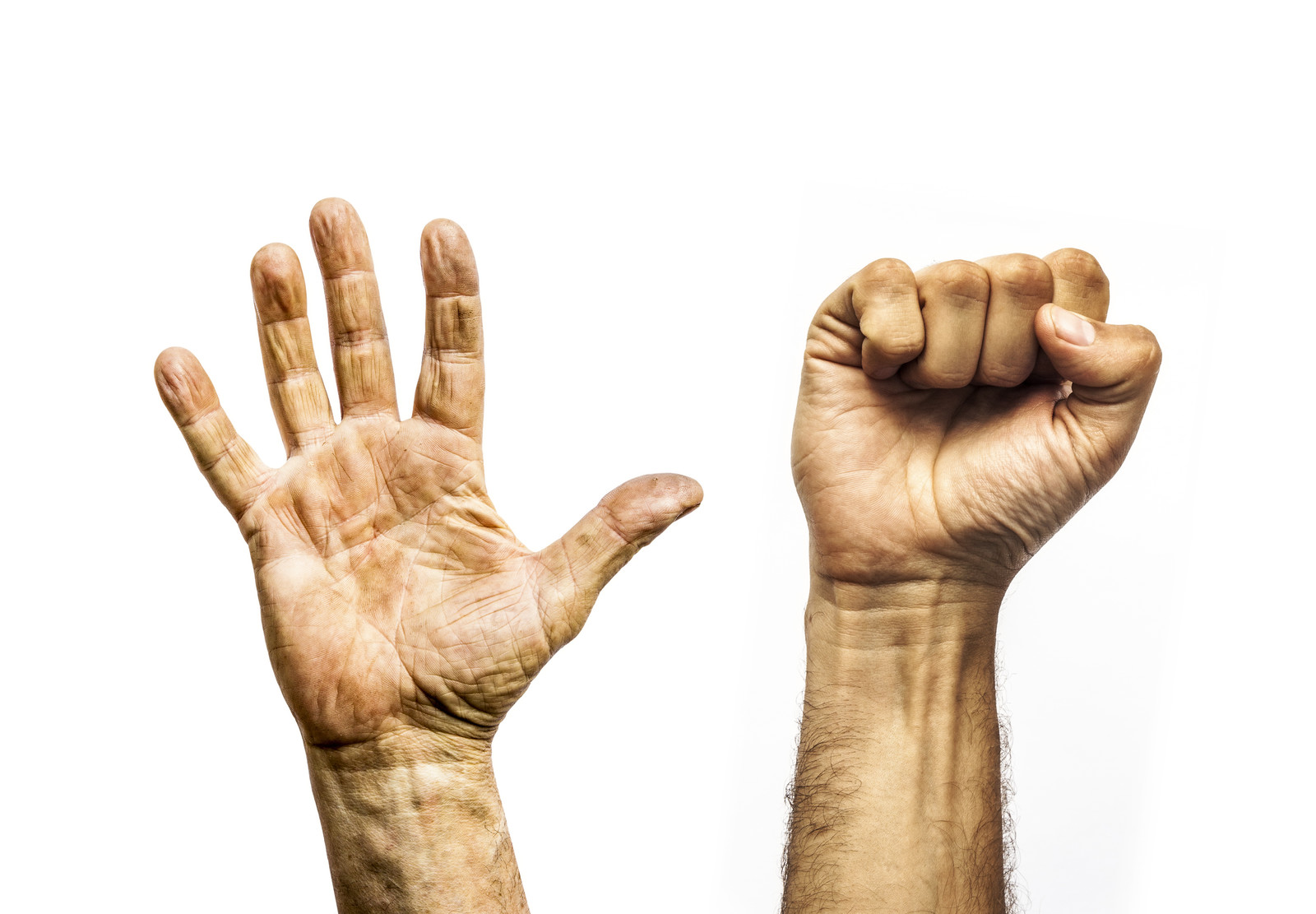
looping animation / open closed open